
12 Developer Tools That Actually Make You Faster (Not Just Busier)

Most developer tools promise productivity. A surprising number deliver the opposite—more tabs, more configs, more cognitive load. This list is different. These are tools that remove friction, reduce context switching, and quietly save hours every week.
1. Visual Studio Code (with ruthless extension discipline)
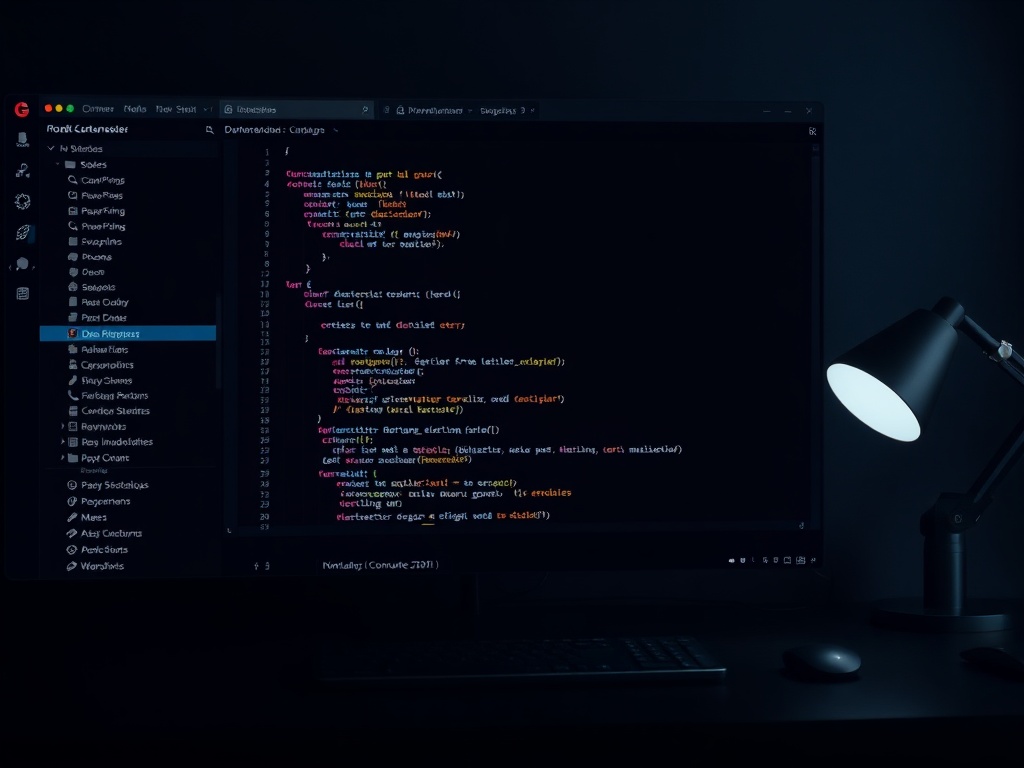
VS Code is everywhere, but the real productivity gain comes from what you don’t install. Keep it lean. A handful of extensions—GitLens, ESLint, Prettier—beats a bloated setup every time. Startup time matters. So does mental clarity.
2. GitHub CLI (gh)
If you’re still opening your browser to create pull requests, you’re wasting time. The GitHub CLI lets you manage PRs, issues, and reviews without leaving the terminal. It turns GitHub into a native part of your workflow instead of a separate destination.
3. Docker (used simply, not religiously)
Docker becomes a productivity killer when overused. But when applied to local parity—matching dev and production environments—it eliminates “works on my machine” problems. Keep your containers focused and your configs readable.
4. Raycast (or Alfred for Mac power users)
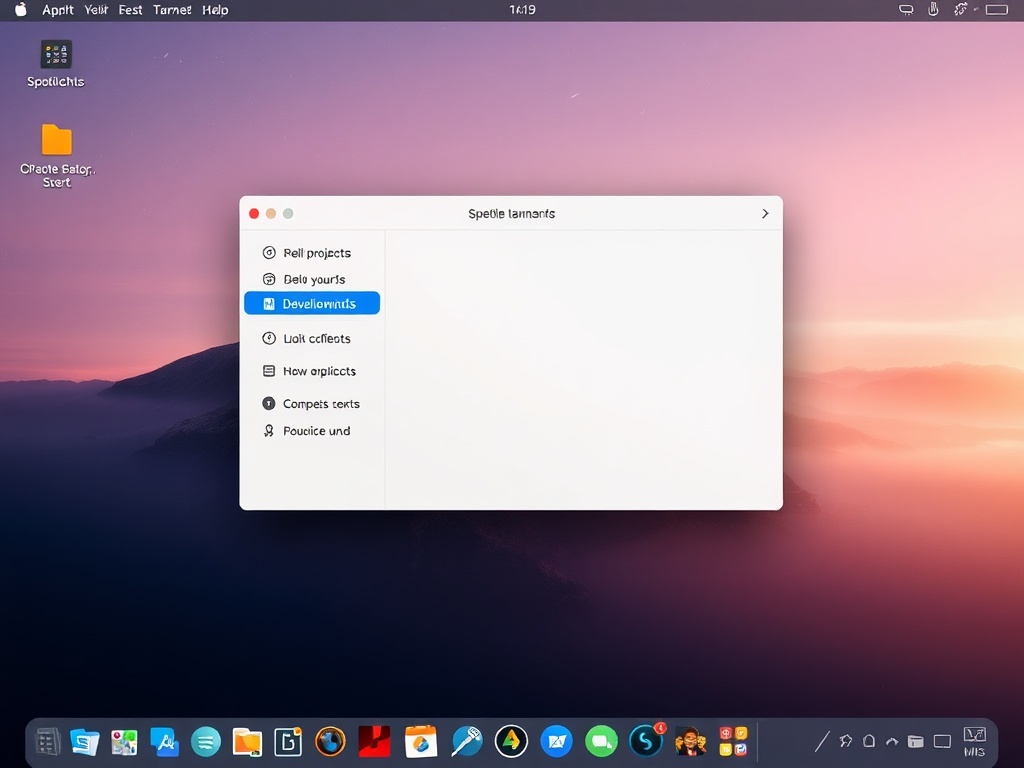
Keyboard-driven workflows are faster, full stop. Raycast replaces dozens of micro-actions: launching apps, running scripts, searching docs, even managing Git workflows. Once you commit to it, the mouse starts to feel optional.
5. Postman (or HTTPie if you prefer terminal-first)
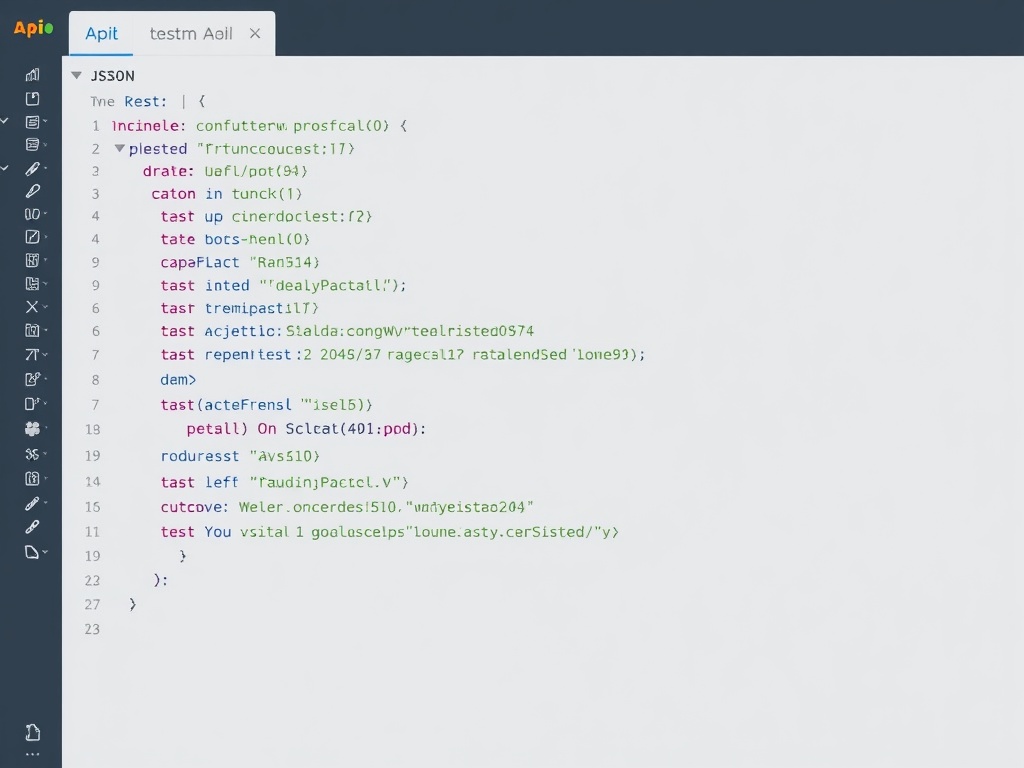
APIs are everywhere, and testing them shouldn’t be painful. Postman shines for team collaboration and saved collections. HTTPie is cleaner for quick terminal requests. Pick one and standardize your workflow.
6. Notion (for engineering context, not just notes)
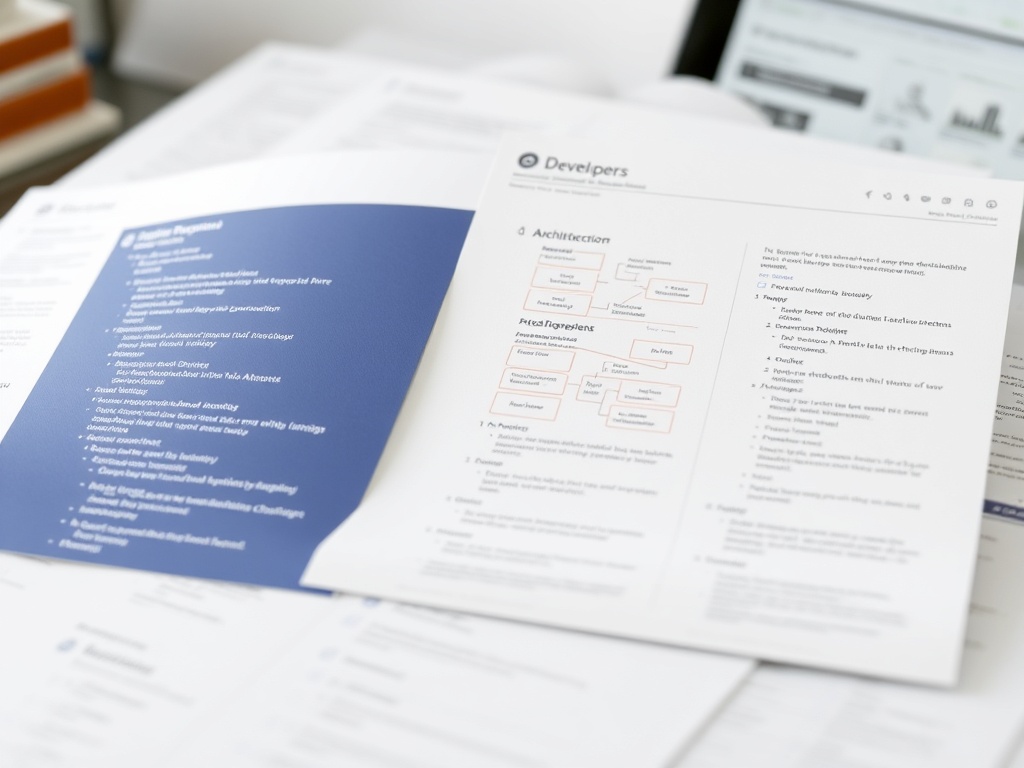
Documentation isn’t glamorous, but lack of it is expensive. Notion works best when used as a living system: architecture decisions, onboarding guides, and runbooks all in one place. Treat it as infrastructure, not a notebook.
7. tmux (or Zellij)
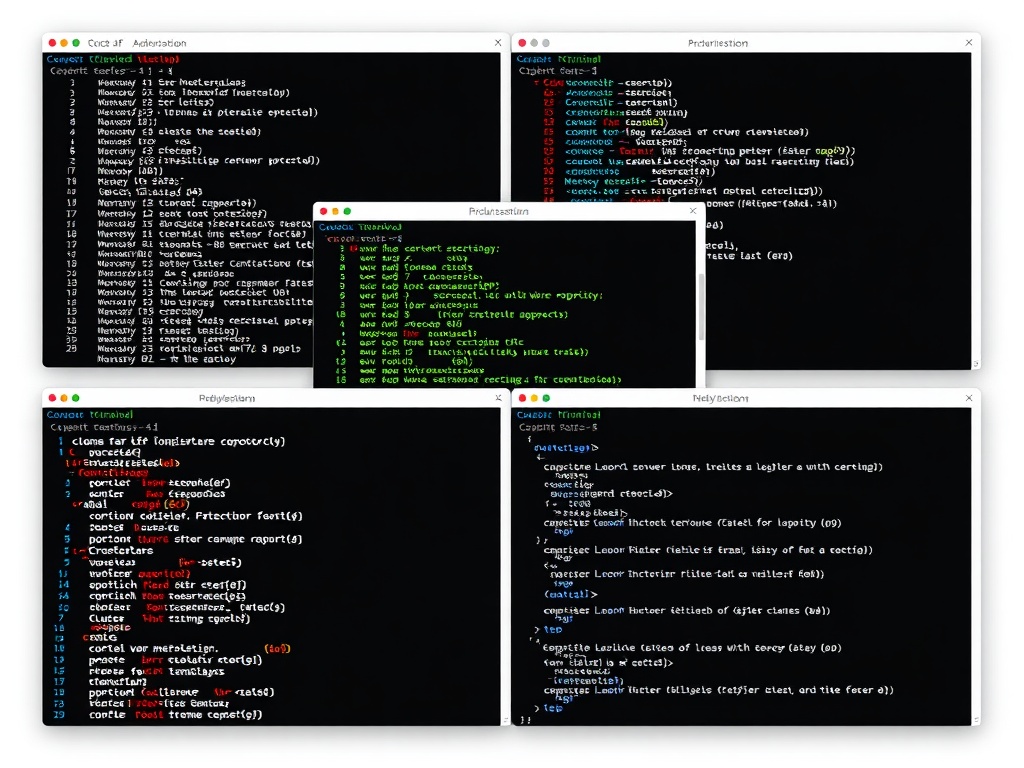
Terminal multiplexers look intimidating until they click. Once they do, you stop juggling windows and start orchestrating workflows. Persistent sessions alone are worth the investment.
8. Figma (for developers, not just designers)
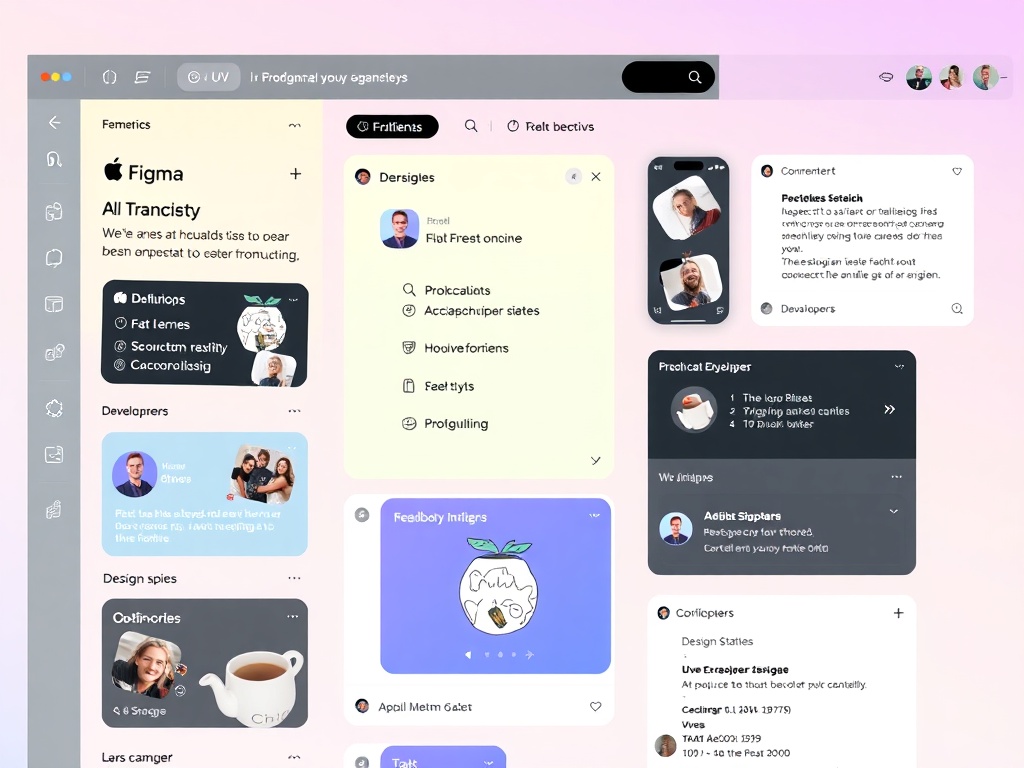
Developers who understand design ship better products. Figma bridges that gap. Inspect spacing, typography, and assets without guesswork. It reduces back-and-forth with designers dramatically.
9. Linear (issue tracking that doesn’t get in your way)
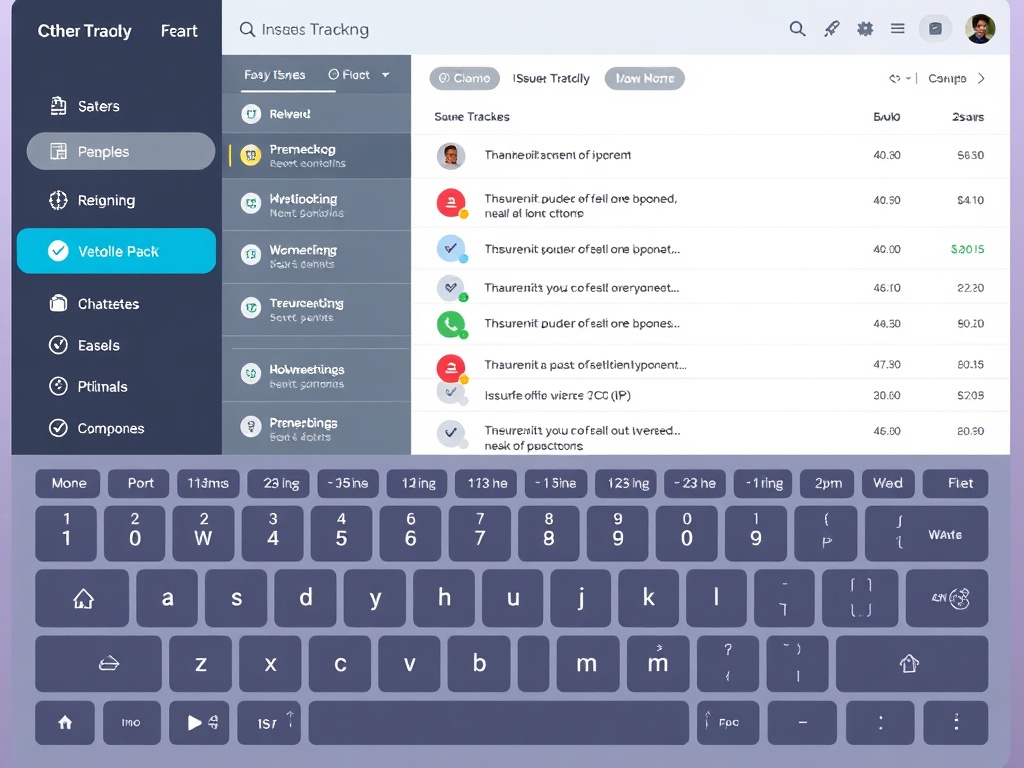
Most issue trackers feel like enterprise software from another era. Linear is fast, keyboard-first, and opinionated in the right ways. It encourages flow instead of interrupting it.
10. Obsidian (for thinking, not just storing)
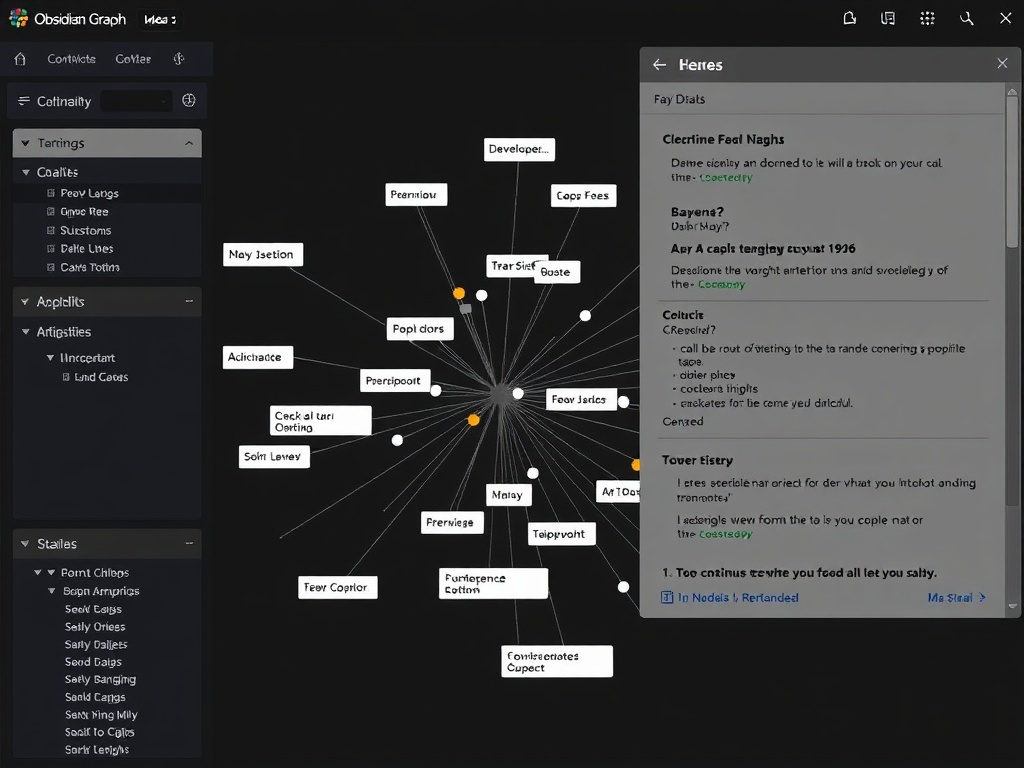
Obsidian turns notes into a network. For developers, that means connecting ideas across projects, bugs, and architectural decisions. Over time, it becomes a personal knowledge engine.
11. GitHub Actions
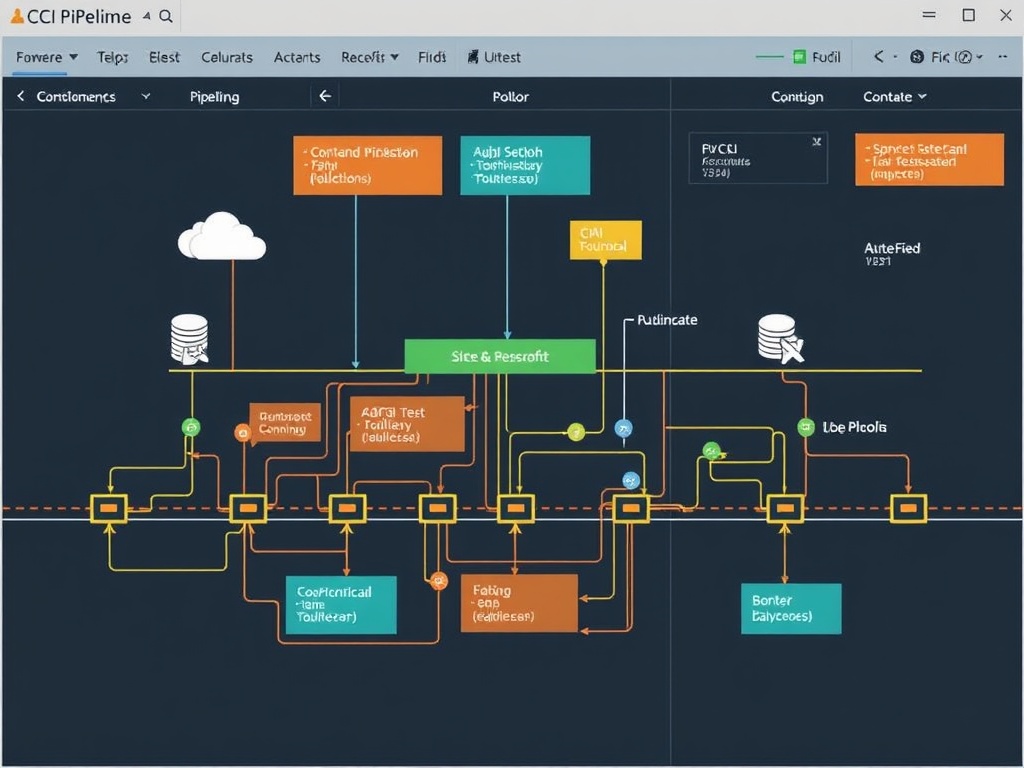
Automation is the highest leverage tool you have. GitHub Actions lets you define CI/CD pipelines directly in your repo. The key is starting small: linting, tests, and incremental deployment steps.
12. ChatGPT (used as a collaborator, not a crutch)

Used poorly, AI tools create dependency. Used well, they accelerate exploration, debugging, and learning. The difference is intent—treat it like a junior collaborator, not an autopilot.
What Actually Moves the Needle
The pattern across all these tools is simple: they reduce friction. They don’t add layers. They remove them.
- Fewer clicks → more flow
- Less context switching → better focus
- Automation → compounding time savings
Tools won’t make you a better developer overnight. But the right ones make it easier to do your best work consistently. That’s where the real productivity gains come from.