
15 Developer Tools That Actually Make You Faster (Not Just Busier)

VS Code (with ruthless extensions discipline)
GitHub CLI for faster workflows
Raycast or Alfred for instant navigation
Docker (used simply, not religiously)
Postman or HTTPie for API sanity
Notion or Obsidian for thinking, not just notes
tmux for persistent sessions
Makefiles or Task runners
ESLint + Prettier (strict, automated)
Chrome DevTools mastery
Git hooks (Husky) to prevent bad commits
Local databases with seeded data
Terminal mastery (zsh + aliases)
CI/CD that actually runs fast
A simple issue tracker (and discipline)
Most developer tools promise productivity. Most of them just add another layer of noise. If your workflow feels heavier every quarter, it’s not you—it’s your stack.
This is a brutally practical list of tools that consistently reduce friction, shorten feedback loops, and help you ship faster. No fluff, no “10x developer” mythology—just tools that earn their place.
1. VS Code (with ruthless extensions discipline)

VS Code is everywhere for a reason—but most setups are bloated. The trick isn’t adding extensions, it’s removing them. Keep only what reduces keystrokes or context switching. Think: GitLens, a formatter, and maybe one language server.
Anything beyond that? Measure whether it actually saves time over a week.
2. GitHub CLI for faster workflows

Clicking around GitHub is slow. The GitHub CLI turns PRs, issues, and reviews into terminal-native actions. You stay in flow, which matters more than any micro-optimization.
Opening a PR should be one command, not a context switch.
3. Raycast or Alfred for instant navigation
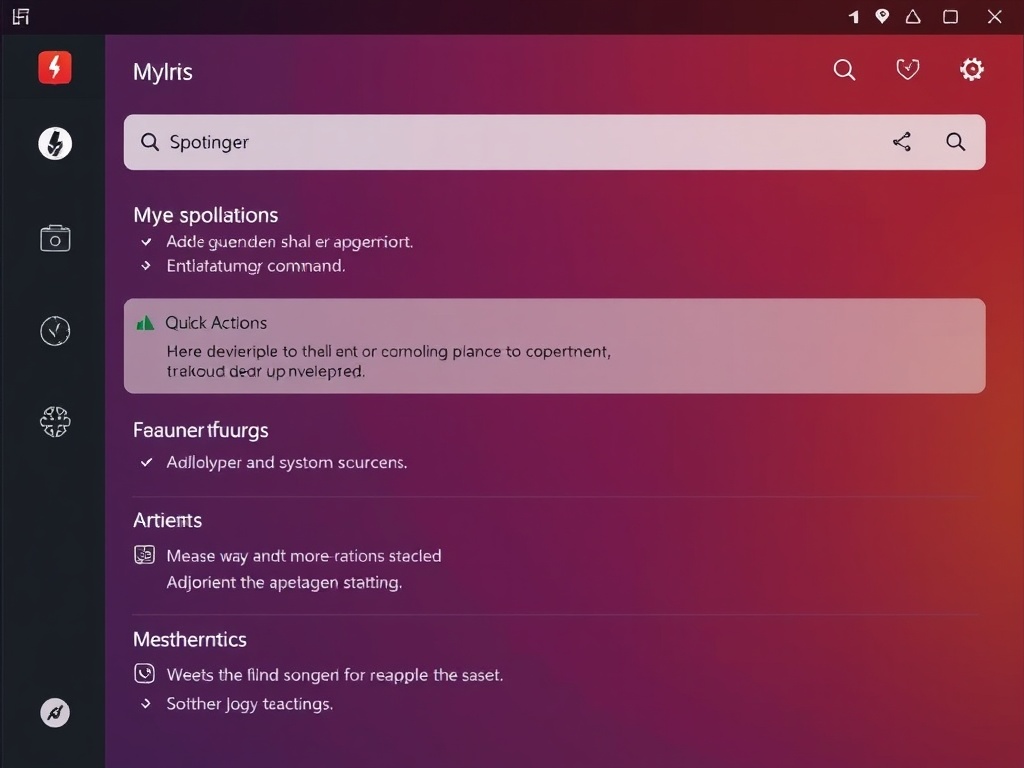
Keyboard-first navigation is non-negotiable if you care about speed. Raycast (or Alfred) becomes your command center—launch apps, search docs, run scripts, manage snippets.
If your hands leave the keyboard, you’re already losing time.
4. Docker (used simply, not religiously)
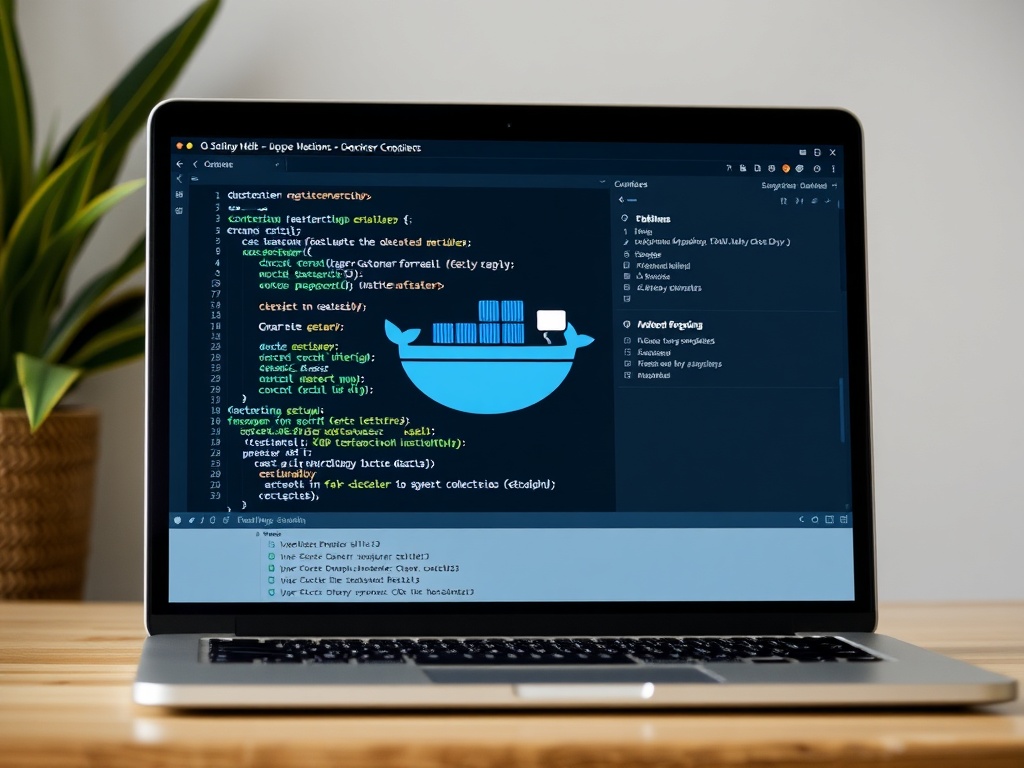
Docker is powerful—but overused. Use it to standardize environments and kill “works on my machine” bugs. Don’t turn it into a local orchestration nightmare.
Keep your containers boring and predictable.
5. Postman or HTTPie for API sanity
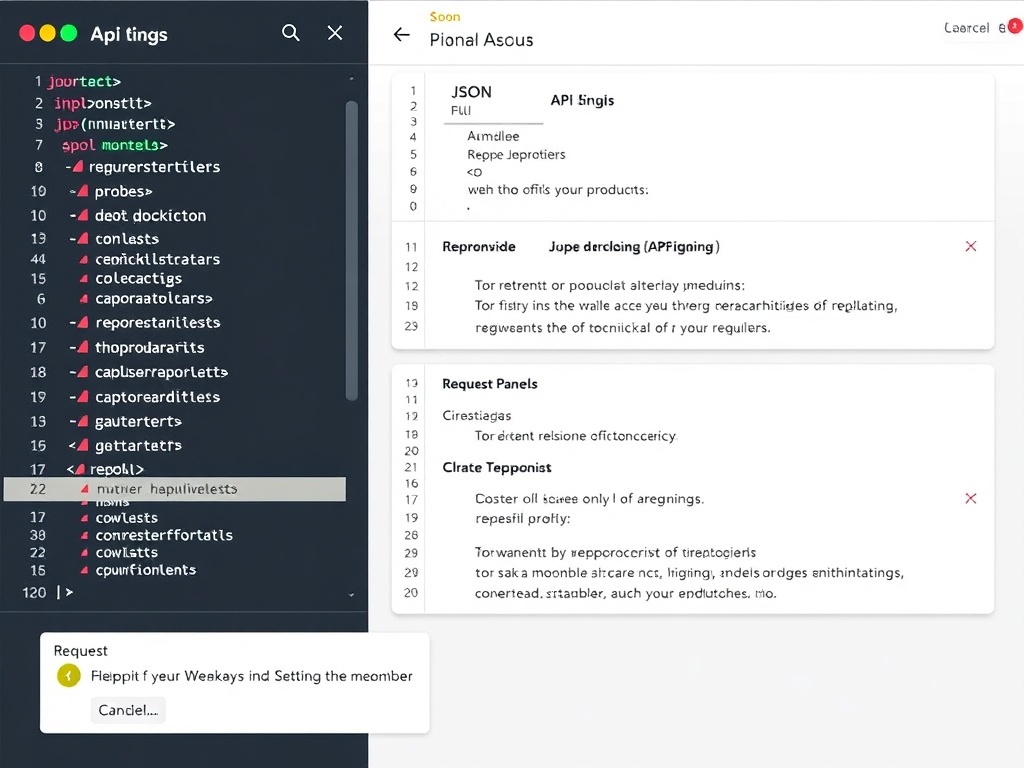
Debugging APIs through your app is slow. Tools like Postman or HTTPie let you isolate requests instantly.
Better yet: script your common requests. Reproducibility beats guessing every time.
6. Notion or Obsidian for thinking, not just notes
Good developers don’t just code—they think clearly. A second brain (Notion or Obsidian) helps you externalize architecture decisions, debug trails, and patterns.
If you’ve ever solved the same bug twice, you need this.
7. tmux for persistent sessions
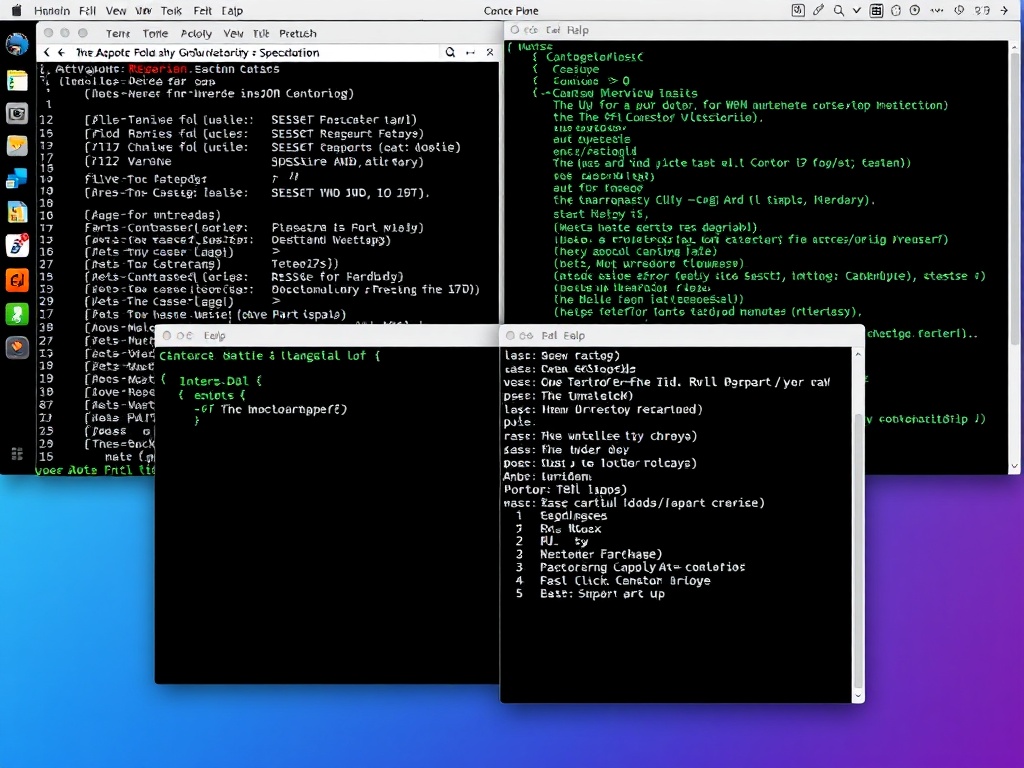
tmux looks intimidating but pays off fast. Persistent sessions mean your environment survives disconnects, restarts, or SSH drops.
Once you rely on it, going back feels primitive.
8. Makefiles or Task runners
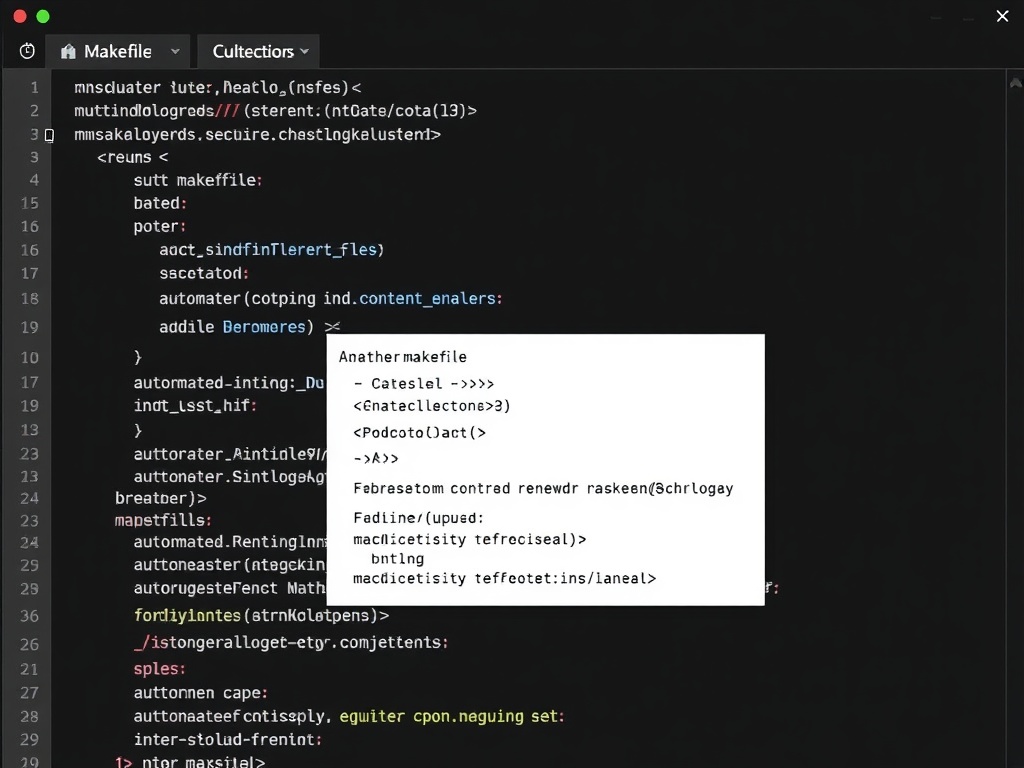
Stop memorizing commands. Automate them. Whether it’s Make, npm scripts, or just a bash file—standardize your workflow.
If a task takes more than one command, it should be scripted.
9. ESLint + Prettier (strict, automated)
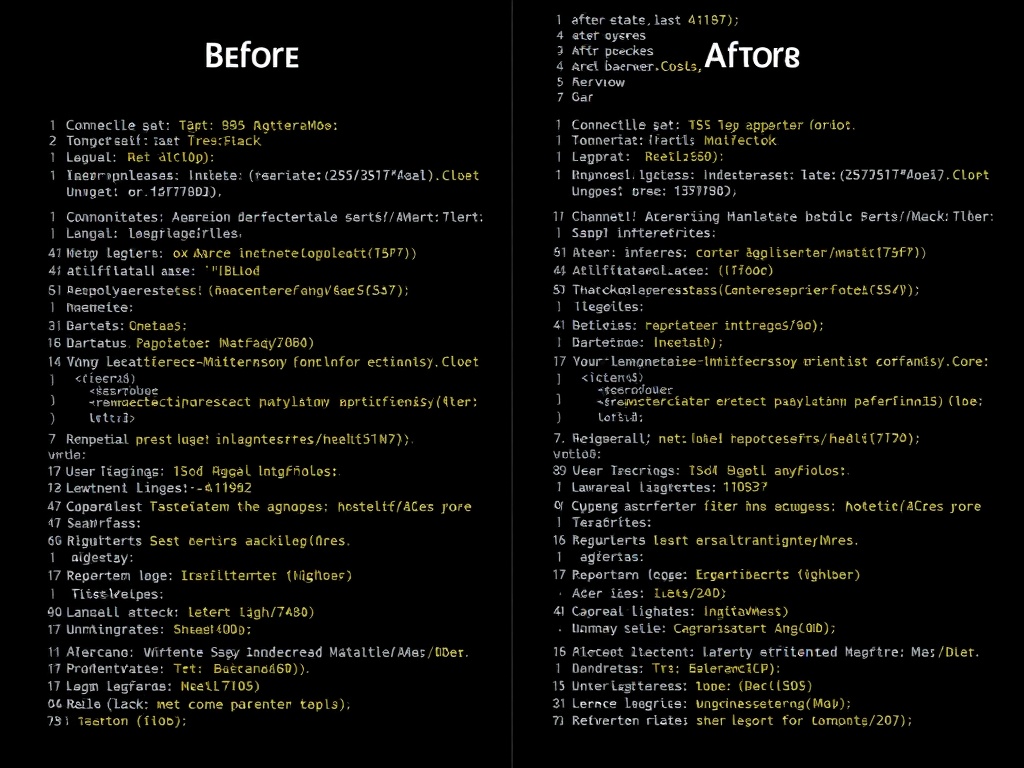
Style debates waste time. Automate them away. Strict linting and formatting remove bikeshedding from code reviews.
Your team should never argue about semicolons again.
10. Chrome DevTools mastery
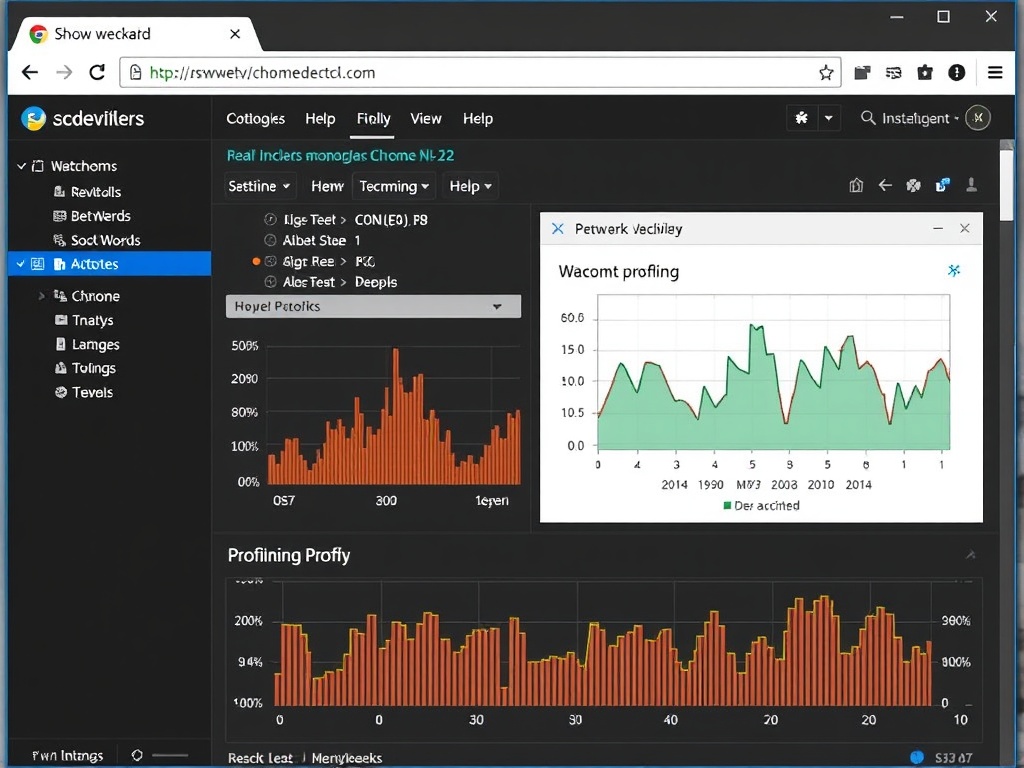
You already have one of the best debugging tools installed—use it properly. Network throttling, performance profiling, and DOM inspection save hours.
Most developers use 10% of DevTools. That’s leaving time on the table.
11. Git hooks (Husky) to prevent bad commits
Catch issues before they hit CI. Pre-commit hooks can run linting, tests, and formatting automatically.
It’s faster to prevent a bad commit than fix it later.
12. Local databases with seeded data
Testing with empty databases is unrealistic. Seed your local DB with meaningful data so you can debug real scenarios.
This alone can cut debugging time in half.
13. Terminal mastery (zsh + aliases)
Your terminal is your primary interface. Customize it. Aliases, history search, and shortcuts compound over time.
Small wins repeated thousands of times become massive gains.
14. CI/CD that actually runs fast
Slow pipelines kill momentum. Optimize your CI/CD for speed: parallel jobs, caching, and minimal steps.
A 10-minute pipeline trains developers to context switch. That’s expensive.
15. A simple issue tracker (and discipline)
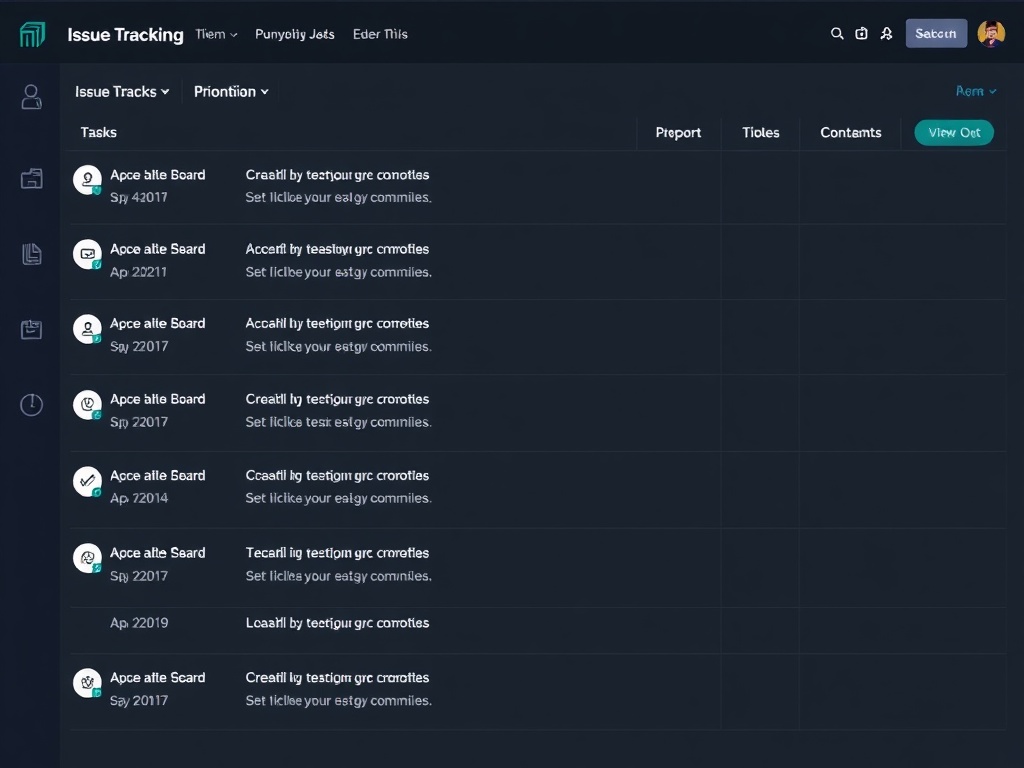
Tools don’t fix bad habits. A simple tracker—GitHub Issues, Linear, whatever—keeps work visible and scoped.
The real productivity boost comes from finishing things, not tracking them.
What Actually Makes These Tools Work
The pattern across all of these isn’t features—it’s friction reduction. The best tools do one of three things:
- Reduce context switching
- Shorten feedback loops
- Eliminate repeated decisions
If a tool doesn’t do at least one of those, it’s probably slowing you down.
The Real Takeaway
You don’t need more tools. You need fewer tools used better.
Audit your stack. Remove anything that doesn’t clearly save time. Then double down on the tools that do.
That’s how you actually get faster.